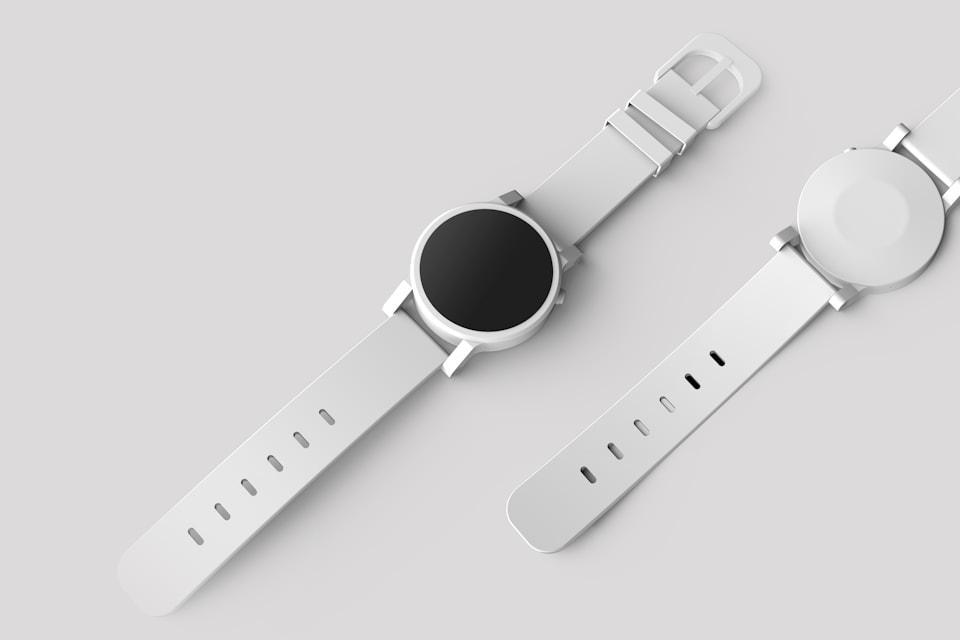
REAL-WORLD TASK
24 product-detail originals
OUTPUT1600px WebP
One maximum width for a consistent product catalog MyImgLite
FREE ONLINE IMAGE RESIZER
Set one target size for an entire image set. Use proportional resizing for a natural fit or exact dimensions when your workflow requires it.
USE CASES
Use a proportional frame for consistent exports without accidental stretching.
REAL-WORLD TASK

REAL-WORLD TASK

REAL-WORLD TASK
KEY FEATURES
Set a width, height, or bounding box and fit the batch without stretching the original composition.
Use exact width and height values when a CMS, marketplace, or template requires a defined canvas size.
Apply one target size to up to 30 images, turning an inconsistent folder into a ready-to-use set.
Pair the target dimensions with WebP, AVIF, JPEG, or PNG output instead of running a separate conversion step.
No upload means you can start right away.
Image decoding, resizing, and encoding happen in your browser.FAQ