REAL-WORLD TASK
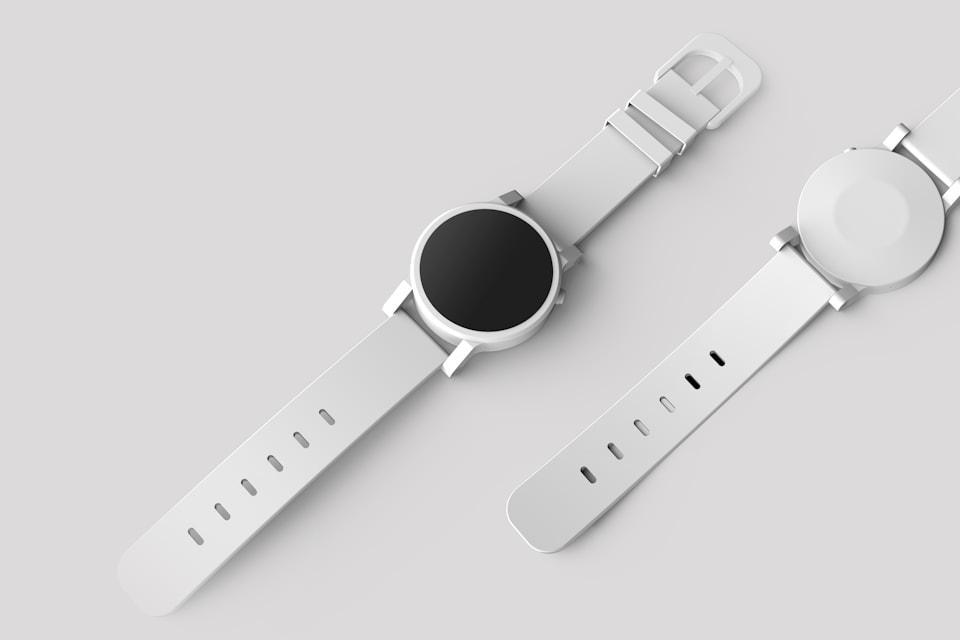
48 transparent product cutouts
OUTPUTWebP at quality 90
Keep the transparent background while reducing page weight MyImgLite
FREE ONLINE IMAGE CONVERTER
Drop an image batch, choose your quality, and export WebP files locally. No account, server upload, or waiting for a remote conversion queue.
USE CASES
Pick the output format for the system, audience, or delivery channel that receives the image next.
REAL-WORLD TASK

REAL-WORLD TASK

REAL-WORLD TASK
KEY FEATURES
Convert logos, icons, and cutout graphics to WebP while retaining their transparent background.
Create WebP versions of PNG-heavy folders for pages where image transfer size matters.
Choose the WebP quality level that fits detailed artwork, UI graphics, or product cutouts.
Apply the same WebP output settings to up to 30 PNG files and download the finished set together.
No upload means you can start right away.
Image decoding, resizing, and encoding happen in your browser.FAQ